




How to Check a Hong Kong Static Residential IP: ISP & ASN



Clean IP picks: Static IPs from $1.5 each, Dynamic IPs from $0.5/GB


You purchase a Hong Kong static residential IP, only to find that an IP checker labels it as Hosting or DataCenter.
There are three common explanations: the IP is registered to an ISP but hosted in a data center; a third-party database classifies the entire IP range as hosting; or an IP intelligence service identifies the address as a proxy endpoint.
Each situation requires a different approach. Identify the cause before deciding whether to replace the IP.

Hong Kong Static Residential IPs vs. ISP Proxies: What's the Difference?
These three types of IPs are often confused. The main differences lie in IP ownership and how traffic is routed.
An IP registered under an ISP's ASN only confirms the registered network organization. Whether the server is hosted in a data center or connected through a broadband access network is a separate matter.
Some ISP proxies use datacenter infrastructure, so an IP can legitimately be associated with an ISP while also receiving a Hosting label.
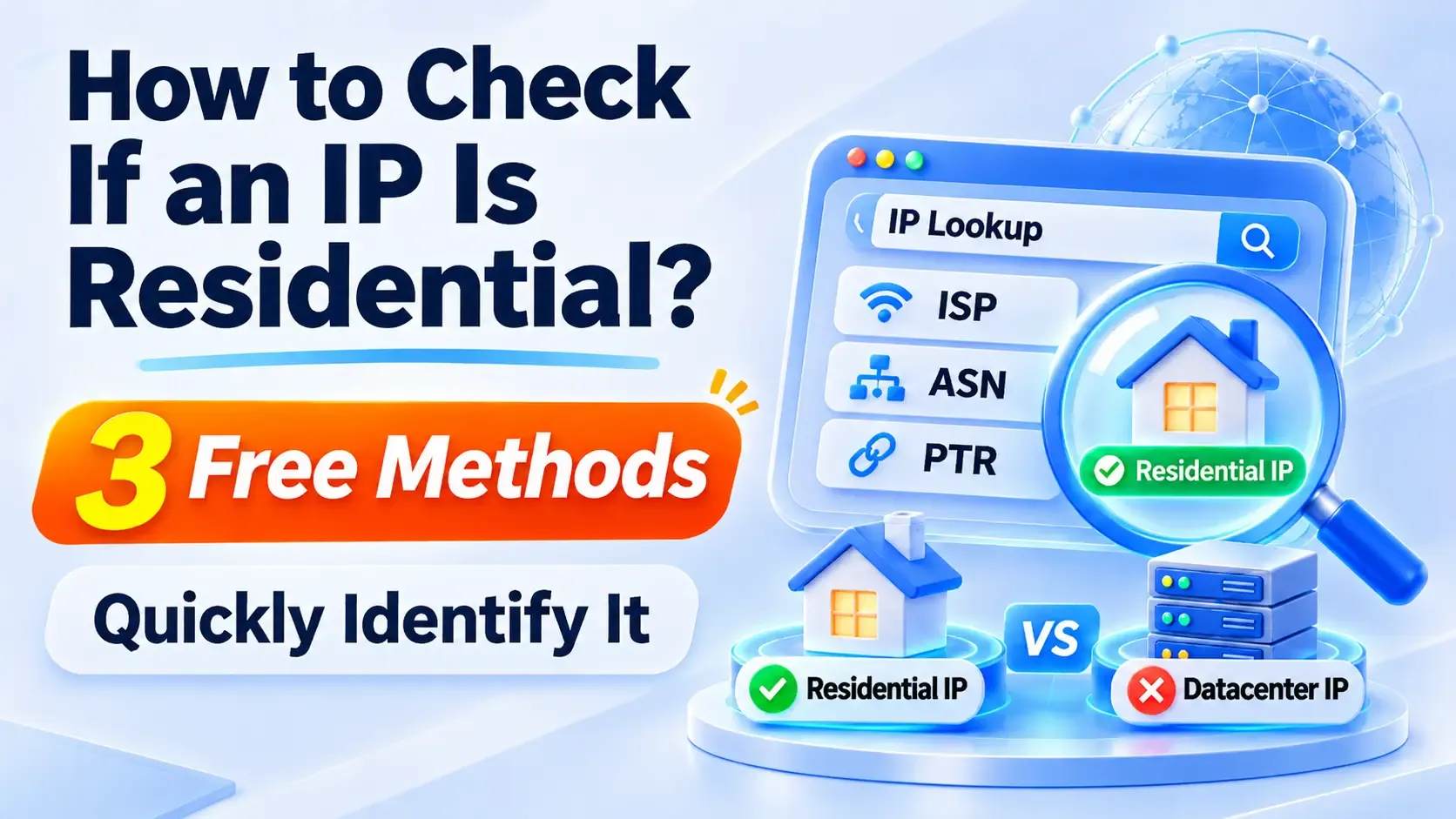
How to Check a Hong Kong Static Residential IP
Follow four steps: verify the exit IP, check ISP registration, confirm ASN ownership, and review IP risk scores.
1. Verify the Actual Proxy Exit IP
Do not check your local public IP. After connecting to the proxy, open an IP lookup service through the browser or terminal configured to use that proxy. The returned address is the IP visible to the destination website.
curl -x http://proxy-host:port \
  --proxy-user "username:password" \
  https://ipinfo.io/ip
If both a system proxy and a browser extension proxy are enabled, disable one to avoid routing traffic through the wrong connection. When using an antidetect browser, make sure the proxy is configured for the browser profile rather than only on the host system.
If your password contains characters such as @, :, or #, pass your credentials separately with --proxy-user instead of embedding them directly in the proxy URL.
2. Check ISP and Registration Information
RDAP provides structured registration data and is easier to work with than raw WHOIS output. For Asia-Pacific IP ranges, use rdap.apnic.net. Alternatively, IPinfo provides ASN, Organization, and network information.
▸ Registered organization: Check whether the IP belongs to a Hong Kong telecommunications provider such as HKT, HKBN, or HGC.
▸ IP range ownership: Determine whether the prefix is registered to an ISP or a cloud hosting provider. If organizations such as DigitalOcean or Leaseweb appear, the IP can generally be treated as a datacenter IP.
▸ Registration country: A value of HK in the WHOIS country field reflects registration information. It does not prove that the server or device is physically located in Hong Kong.
3. Verify ASN and BGP Routing Information
Enter the exit IP into bgp.he.net or RIPEstat to identify its associated autonomous system and the origin AS announcing its route.
These ASNs are useful references for Hong Kong ISP networks, but they do not prove residential connectivity. Finding AS4760, for example, does not mean the IP is connected to a home broadband line. The same AS may carry residential, business, and hosted services.
4. Check IP Risk Scores and Proxy Flags
IP risk scores and network ownership are separate indicators.
▸ Scamalytics: Its published risk categories are 0–19 Low, 20–59 Medium, 60–89 High, and 90–100 Very High. These thresholds are guidelines. The score estimates fraud risk under its model; it does not certify whether an IP is residential.
▸ IPQualityScore: Check Proxy, VPN, and Recent Abuse indicators alongside the Fraud Score. Scores from different products are not directly comparable.
▸ AbuseIPDB: Its abuseConfidenceScore is based on user reports. Review the number, dates, and categories of reports.
▸ IPinfo: Its privacy data distinguishes hosting, VPN, proxy, and relay activity. Separate residential proxy detection data also includes information about recent observations.
An IP can belong to a Hong Kong ISP and still be flagged as a residential proxy. The first indicates network registration, while the second reflects observed proxy activity.
What to Do When IP Detection Results Look Wrong
Once you have the results, the important question is what to do next, rather than simply deciding whether the IP passes or fails.
If databases disagree, do not judge an IP solely by one service's Hosting label. Cross-check RDAP, ASN, and BGP information, and contact the provider to confirm the underlying network connection if necessary.
Keep a record of the exit IP, ASN, location, and risk score. Comparing these details after changing or renewing an IP can help identify whether the network environment or the IP itself has changed.
Another common situation is that every IP check looks normal, but a CAPTCHA still appears during login.
IP reputation is only one signal platforms use.
Account status (new accounts, past violations, or logins from multiple locations within a short period), access behavior (request frequency, concurrency, and interaction patterns), device and browser environment (mismatched time zones, languages, WebRTC, DNS routing, and exit locations), and security gateways (such as Cloudflare, which also evaluates browser signals and heuristic rules) can all trigger additional verification.
Troubleshoot in this order:
▸ First, verify exit IP stability: Confirm that the IP used during testing matches the one used during actual operations, and check whether traffic switches back to your local connection.
▸ Next, check environment consistency: Make sure the time zone, language, and DNS settings are consistent with the exit location.
▸ Finally, consider replacing the IP: If the first two checks reveal no issues, contact your provider about a replacement.
For proxy configuration, DNS, or WebRTC issues, refer to our Hong Kong Static IP Configuration and Troubleshooting Guide for a more detailed walkthrough.
How to Choose a Hong Kong Static Residential IP
For long-term Hong Kong account management, fixed network access, or IP allowlisting, connection stability and verifiable IP information matter more than a score from any single detection service.
▸ Fixed exit IP: Confirm that the address remains unchanged during the rental period and that renewal and replacement policies are clearly defined.
▸ Dedicated access: Verify exclusivity through the order terms and allocation details. Changes in risk scores alone cannot establish whether an IP is shared.
▸ Protocols and bandwidth: Check support for HTTP, HTTPS, and SOCKS5, along with available bandwidth options.
▸ Support and verification: Find out whether an IP can be replaced if detection results differ from the product description, and what the replacement process involves.
IPDeep offers Hong Kong static residential IPs with dedicated fixed exit addresses, HTTP, HTTPS, and SOCKS5 support, and selectable bandwidth options of up to 50 Mbps.
After receiving your IP, follow the four steps above to verify its ISP, ASN, and network ownership, then test it against your actual requirements.
If the detection results differ significantly from the product description, save screenshots, the exit IP, and test timestamps before contacting customer support.
If you need a fixed Hong Kong exit IP, visit the Static Residential IP product page to explore available locations and plans.
Frequently Asked Questions
Q1: Can I Still Use a Hong Kong Static Residential IP Flagged as DataCenter?
Not necessarily a problem. First, check whether the ASN and registered organization belong to a Hong Kong ISP, then determine whether the entire IP range has been classified the same way.
If the registration details are consistent and only one database flags the IP as Hosting, you can continue testing its performance. If the ASN points to a cloud or hosting provider, treat it as a datacenter IP.
Q2: What's the Difference Between a Hong Kong Static Residential IP and an ISP Proxy?
Static residential IPs emphasize fixed addresses associated with residential ISPs. ISP proxies emphasize IP registration under an ISP, even when the servers are hosted in data centers. The categories overlap, so confirm the resource origin and connection type before purchasing.
Q3: How Can I Verify That My IP Is Dedicated?
Review the allocation details in your contract or order and the provider's terms regarding simultaneous users. Changes in risk scores or unusual login activity do not prove that an IP is shared; they are only indicators worth investigating.